If a transaction fails in Reactive Index, there are a few simple checks you can perform.
This article explains:
- How to quickly find your transactions in the explorer
- The most common reasons why a transaction might fail
- What to try in each case
- Which information to share with support
1. Common reasons why a transaction fails
A transaction can fail for several reasons. Below are the most frequent ones and what you should do in each case.
1.1 Issues related to Safari + “Sign in with Google”
If you are:
- using Safari (on Mac, iPhone or iPad), and
- signing in with Google,
there may be problems caused by blocked pop-ups. To fix this:
On Mac (Safari for macOS)
- Open Safari.
- In the top menu bar, click Safari → Settings… (or Preferences… on older macOS versions).
- Go to the Websites tab.
- In the left sidebar, select Pop-up Windows.
- In the list on the right, look for these sites:
https://app.demo.reactive.finacehttps://my.slush.app/
- For each site:
- Open the dropdown next to it and select Allow.
- If the sites are not listed:
- At the bottom, set When visiting other websites to Allow temporarily.
- Reload the Reactive Index page and try Sign in with Google again.
- Once the site appears in the list, you can set When visiting other websites back to your preferred value.
- Try performing the same operation again.
On iPhone / iPad (Safari for iOS / iPadOS)
- Open the Settings app.
- Scroll down and tap Safari.
- Under the General section, find Block Pop-ups.
- Make sure Block Pop-ups is turned off (the toggle is grey).
- Close Settings.
- Try performing the same operation again.
If the Google window still does not appear, close all tabs, fully quit Safari, reopen it, and retry the flow after confirming that pop-ups are allowed.
In this case, please read the dedicated article with the full instructions (add link here).
2. Selling indices with low underlying liquidity (testnet-only limitation)
If your failed transaction happens when you are selling indices, the reason might be:
One or more tokens inside the index do not have enough liquidity for the specific token you are trying to withdraw.
On testnet, this can cause failures because:
- liquidity is limited and uneven across tokens
- some swaps needed under the hood cannot be executed at the desired size
On mainnet, this flow will be made more transparent and robust by using external liquidity sources.
Until then, on testnet, if you hit this problem:
- Reduce the size of the sell order for the index.
- Split what you want to sell into multiple transactions, for example:
- using smaller amounts per transaction, and/or
- using different currencies as output (if available).
- Repeat until you reach the desired total amount sold.
This approach helps you work around local liquidity limits for specific tokens on testnet.
3. Information you should share with our support team
When contacting support using the #support-ticket channel on our Discord, please include:
-
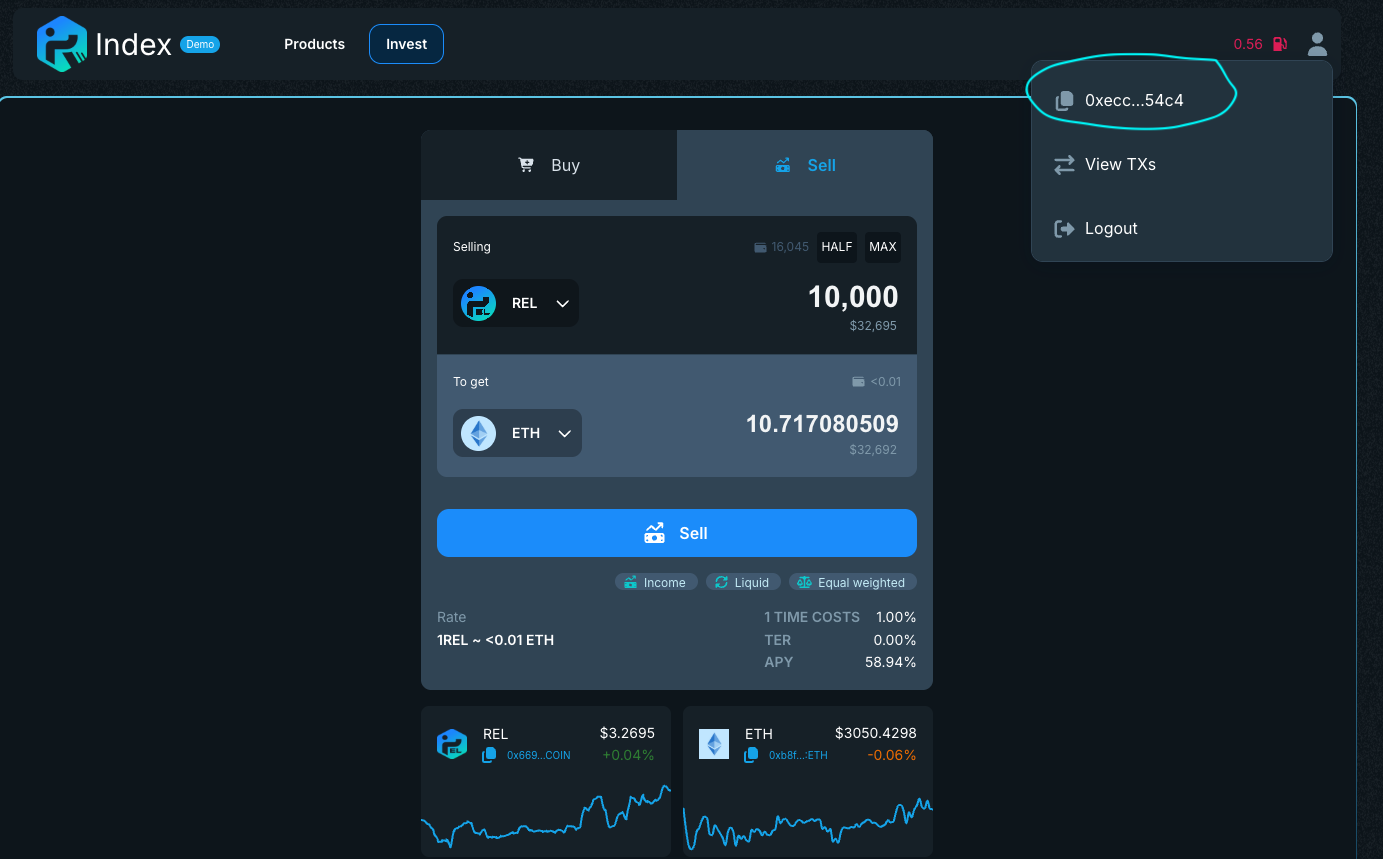
Wallet address
This is the address you can find by clicking on the profile icon in the top right corner:
-
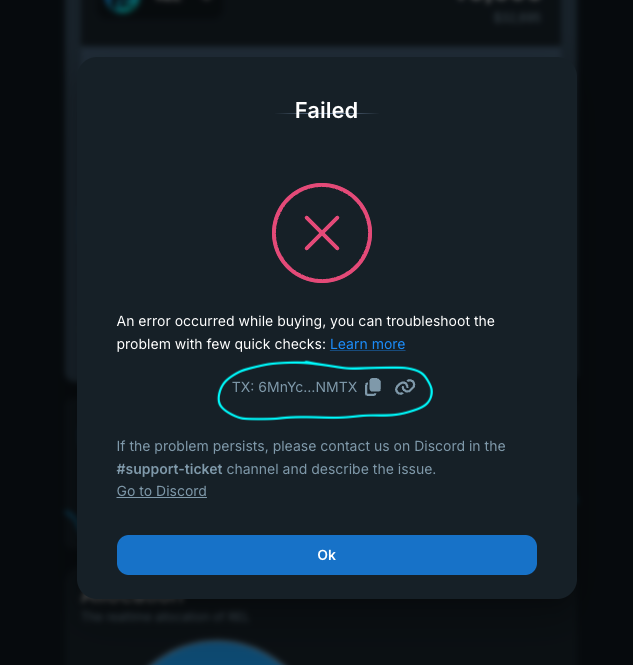
Transaction ID
This is the ID you can find when the transaction fails: